🎉 Up to 70% Off Selected ItemsShop Sale
Black Laser Marking Pen for Glass (2pcs)
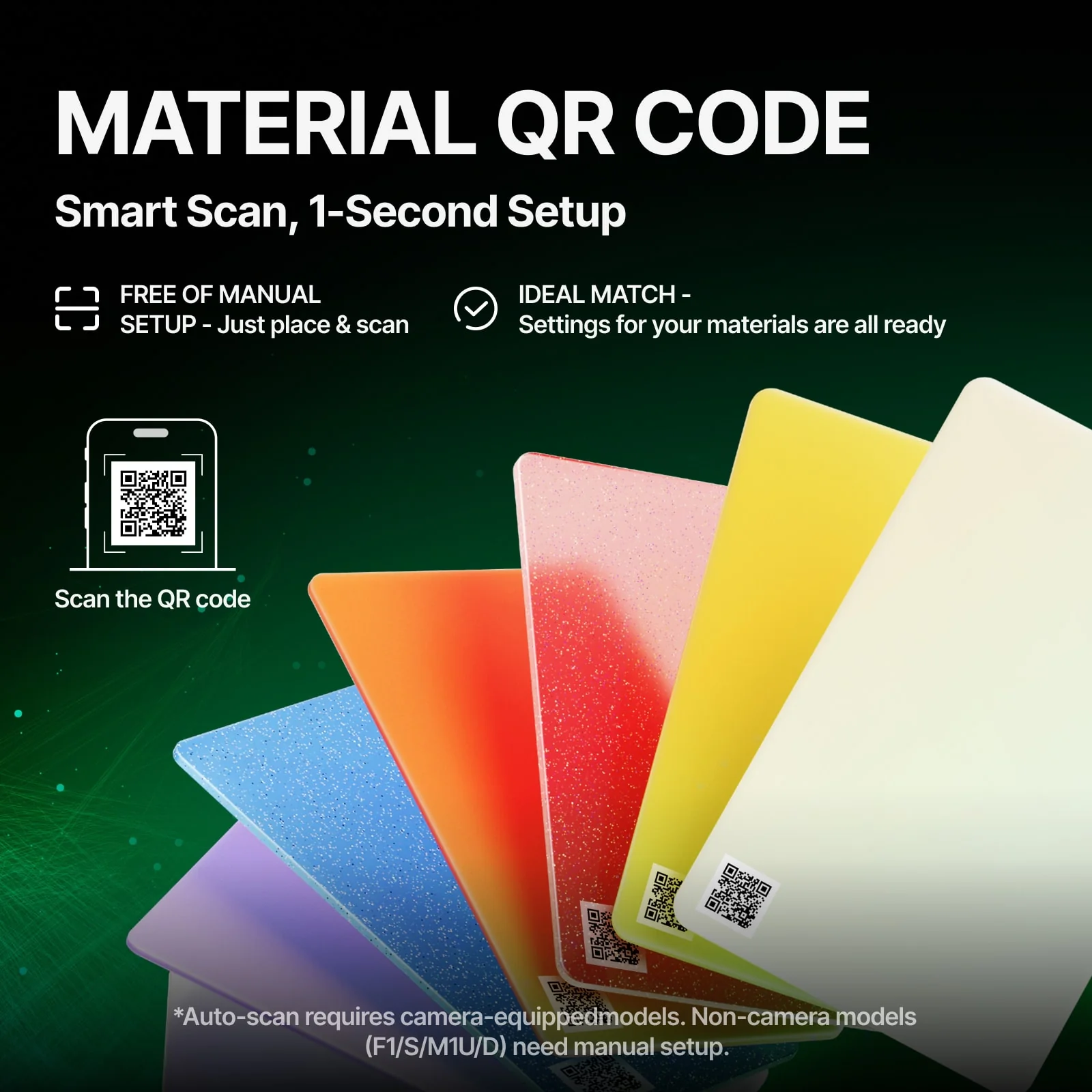
- MATERIAL QR CODE. Say goodbye to the hassle of finding the optimal processing parameters. It only takes two steps: place the QR code sticker/card into the machine, then click the "Refresh background" button and immediately apply the optimal processing parameters. You can click here to learn how to use automatic QR code recognition with the P series or F series. (*Please note that the automatic scanning function requires a camera. Non-camera machines (F1/S/M1U/D) can manually scan the QR code to quickly obtain the optimal processing parameters.)
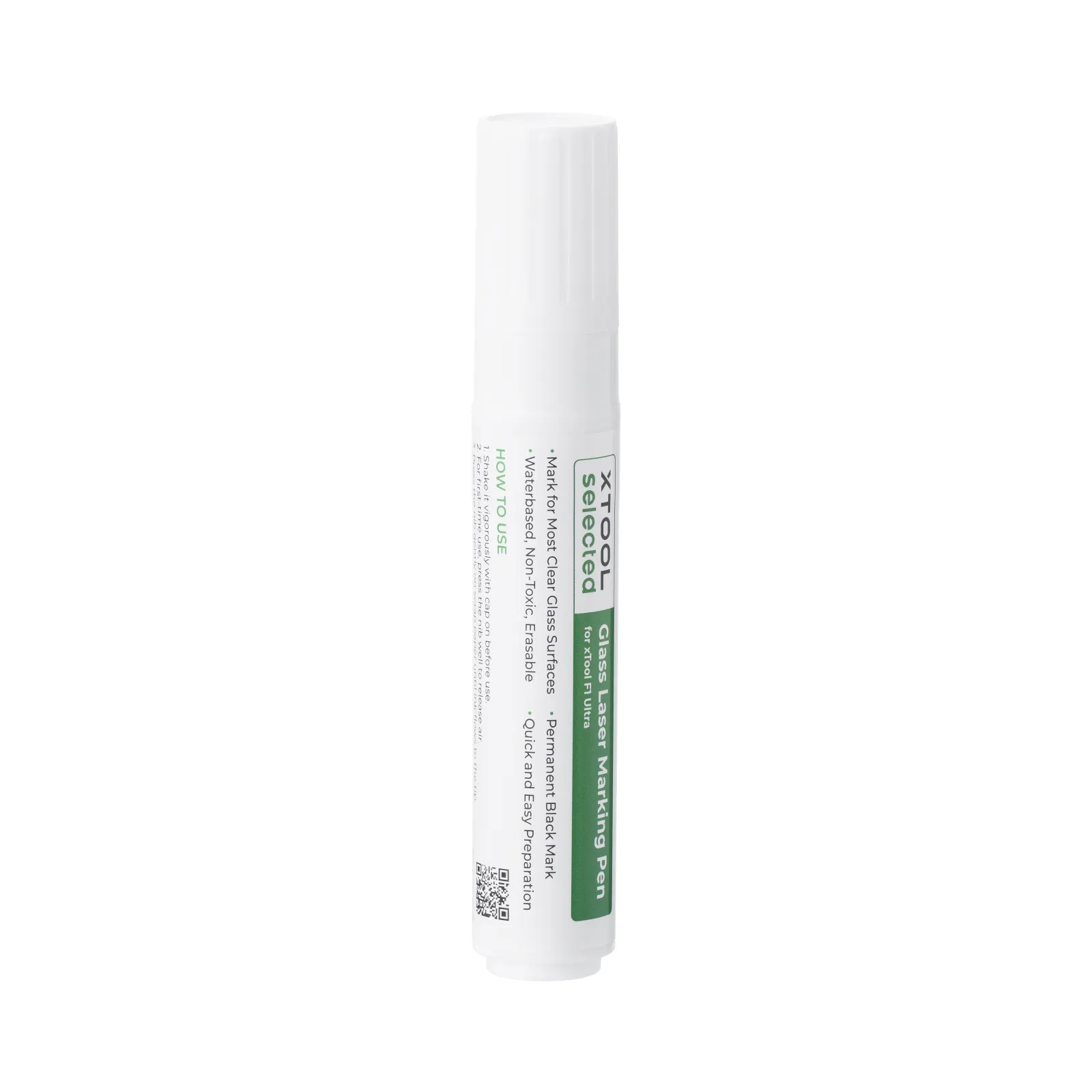
- A high-precision marking pen specially designed for glass. The ink is white when applied, but after laser engraving with the xTool F1 Ultra, it leaves a clear, permanent black pattern.
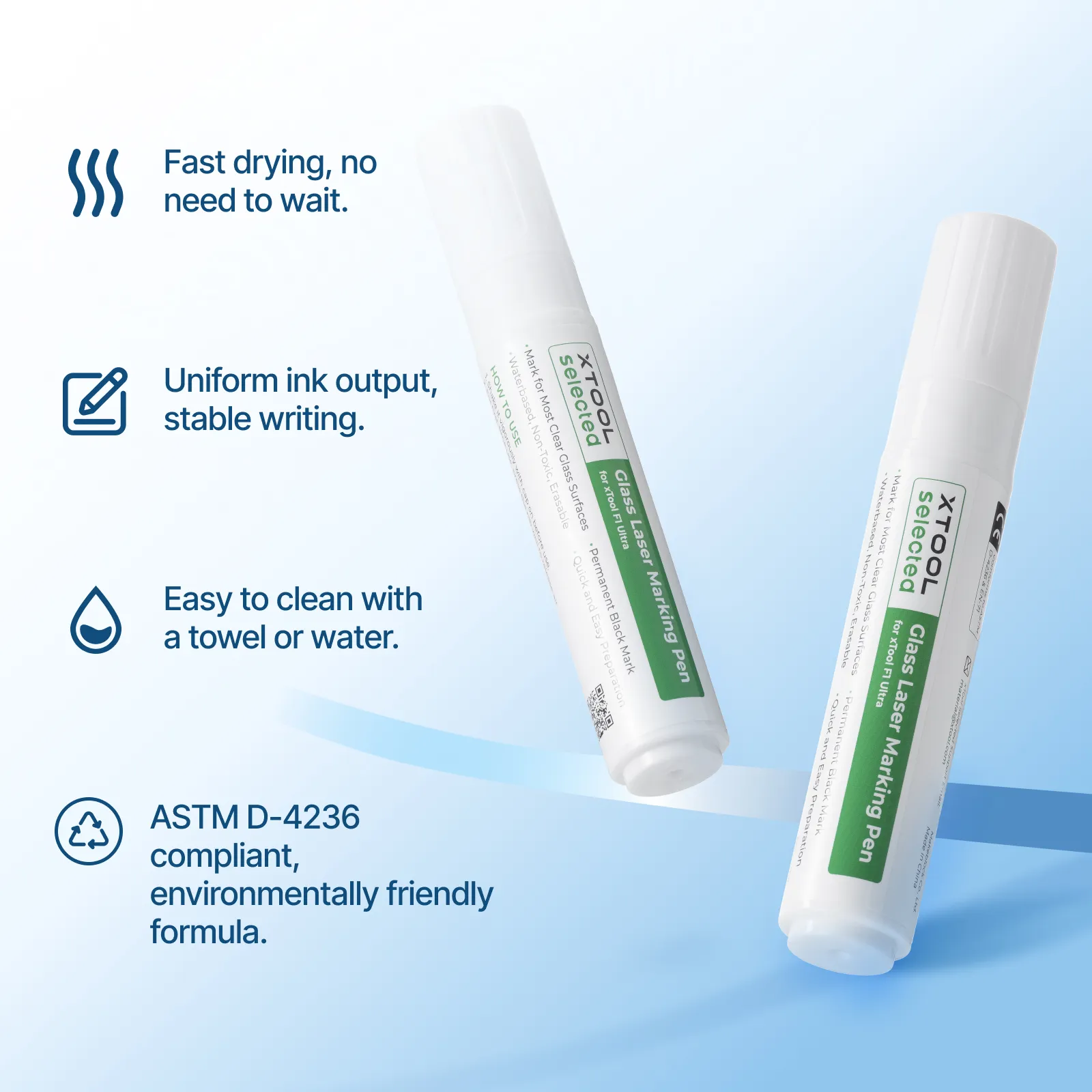
- The ink flows evenly, writes smoothly, dries quickly, is clean and efficient, and is safe and environmentally friendly.
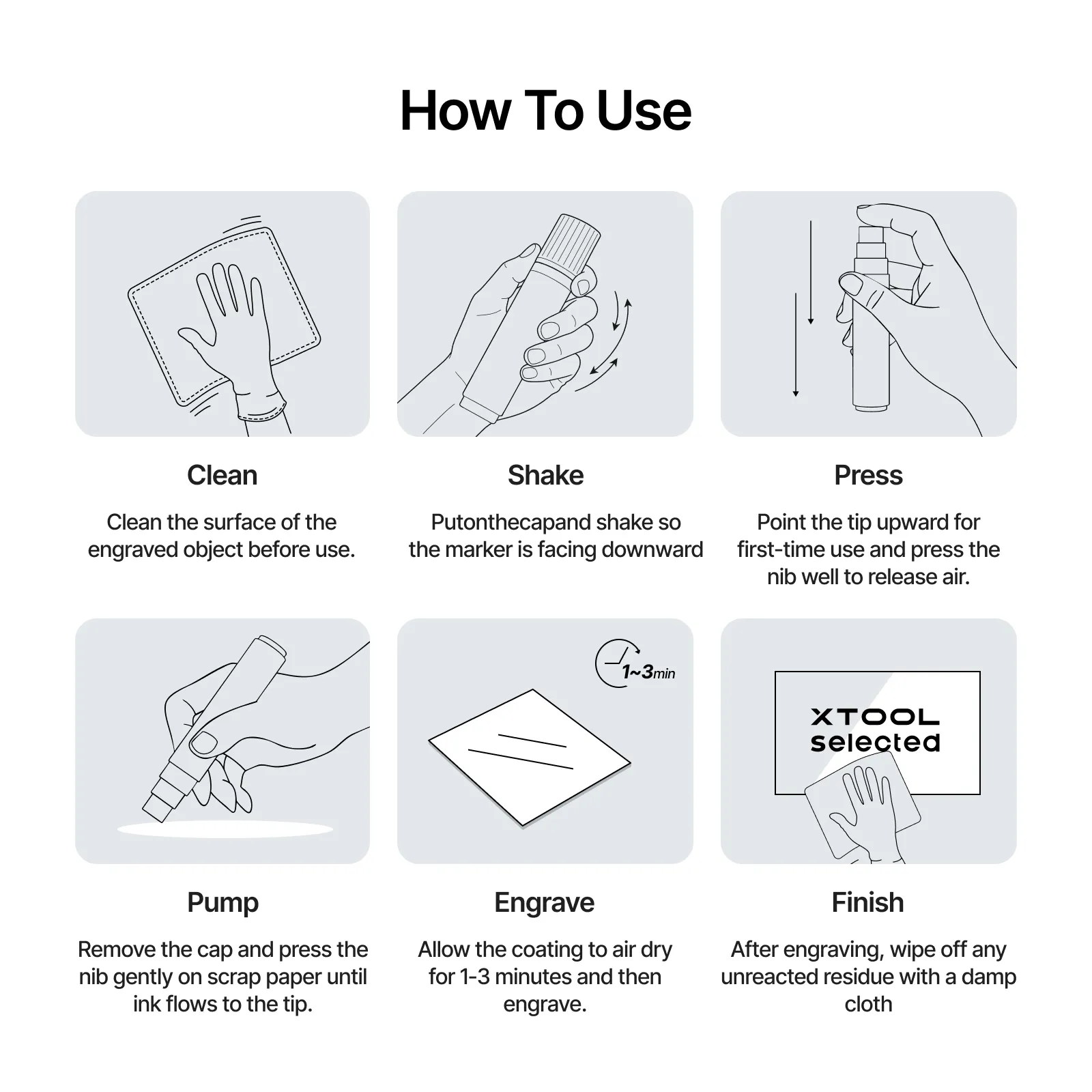
- Simple and efficient to use, just three steps: apply, engrave, and wipe, making it easy to master.
- Easy to clean, simply wipe with a cloth or rinse with water after engraving.
The formula is safe and environmentally friendly, compliant with ASTM D-4236 standards. - Notes: Clean the surface of the item to be engraved before use. Press the pen tip multiple times until ink flows during the first use.
- xTool Selected Materials are terrific partners of xTool laser machines. It is recommended that you open the package within one week of receiving the goods. If you find any quality problems with the materials, please contact us, xTool Selected will provide you with a 30-day unconditional return and exchange service.
$19.99
Black Laser Marking Pen for Glass (2pcs)—
$19.99

Description
- MATERIAL QR CODE. Say goodbye to the hassle of finding the optimal processing parameters. It only takes two steps: place the QR code sticker/card into the machine, then click the "Refresh background" button and immediately apply the optimal processing parameters. You can click here to learn how to use automatic QR code recognition with the P series or F series. (*Please note that the automatic scanning function requires a camera. Non-camera machines (F1/S/M1U/D) can manually scan the QR code to quickly obtain the optimal processing parameters.)
- A high-precision marking pen specially designed for glass. The ink is white when applied, but after laser engraving with the xTool F1 Ultra, it leaves a clear, permanent black pattern.
- The ink flows evenly, writes smoothly, dries quickly, is clean and efficient, and is safe and environmentally friendly.
- Simple and efficient to use, just three steps: apply, engrave, and wipe, making it easy to master.
- Easy to clean, simply wipe with a cloth or rinse with water after engraving.
The formula is safe and environmentally friendly, compliant with ASTM D-4236 standards. - Notes: Clean the surface of the item to be engraved before use. Press the pen tip multiple times until ink flows during the first use.
- xTool Selected Materials are terrific partners of xTool laser machines. It is recommended that you open the package within one week of receiving the goods. If you find any quality problems with the materials, please contact us, xTool Selected will provide you with a 30-day unconditional return and exchange service.